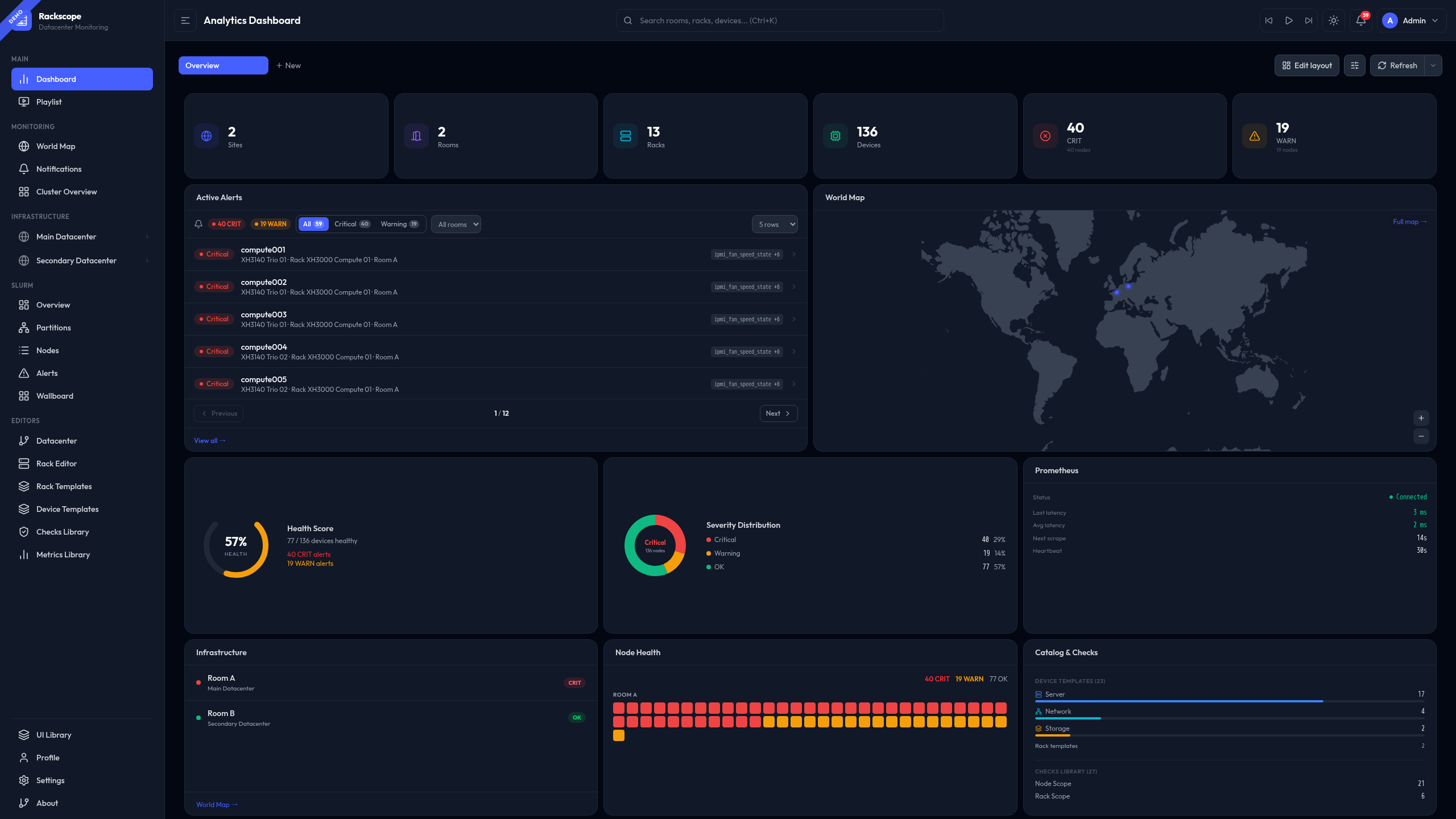
See your infrastructure,
not your spreadsheets.
Three principles that are non-negotiable.
Zoom in. All the way.
Every alert is anchored to a precise physical location. Navigate progressively from a global overview to the exact device — at each level, only the relevant information is displayed.
Any metric. Any team.
Any metric exposed in Prometheus can become a visible health check in Rackscope — whether it originates from hardware, software, network infrastructure, or HPC workloads.
QL
The physical layer that was missing.
Rackscope does not replace existing tools. It fills the gap between metrics dashboards and supervision platforms — adding the physical location of every alert to the monitoring chain.
Not a replacement. The intermediate layer that was missing between your metrics dashboards and your supervision platform.
From Prometheus to physical view
Four steps — from your existing infrastructure to a live physical view. No agent to deploy, no database to provision.
Define your topology
Write YAML files describing your physical infrastructure — sites, rooms, aisles, racks, devices. Or generate them from NetBox, RacksDB, any script, or the API.
Connect Prometheus
One URL. Point Rackscope at your existing Prometheus instance. No collector to deploy, no agent to install, nothing to change in your stack.
Map your checks
Any metric with the right labels becomes a visible health check. IPMI temperature, PDU load, software service status, Slurm node state — anything Prometheus scrapes.
See your infrastructure
Launch and navigate from global to instance level. When something is CRIT, you know exactly which rack, which aisle, which room — not just a hostname in an alert.
The documentation covers everything in detail. Start where it makes sense for you.
Clone, configure, launch. Full step-by-step with prerequisites.
From a simple 4-rack lab to an 855-node HPC cluster. Load in one command.
Docker images, GHCR, nginx, config reference, app.yaml explained.
Generate topology from scripts, push checks, query health states.